
A collection worth coming back to.
Bring your own movie files into a visual library. Browse by poster, check which titles are prepared, and open a film with its saved audio and scene choices.
- Browse your collection
- See preparation at a glance
CleanPlay is a Mac movie player that mutes profanity and skips scenes you’d rather leave out.
CleanPlay leverages Apple's capability to employ custom, on-device AI models to process your movies and TV shows without requiring costly token calls to online models. This keeps costs down and streamlines your experience, eliminating the need for a subscription model. You pay once, and you own the experience.
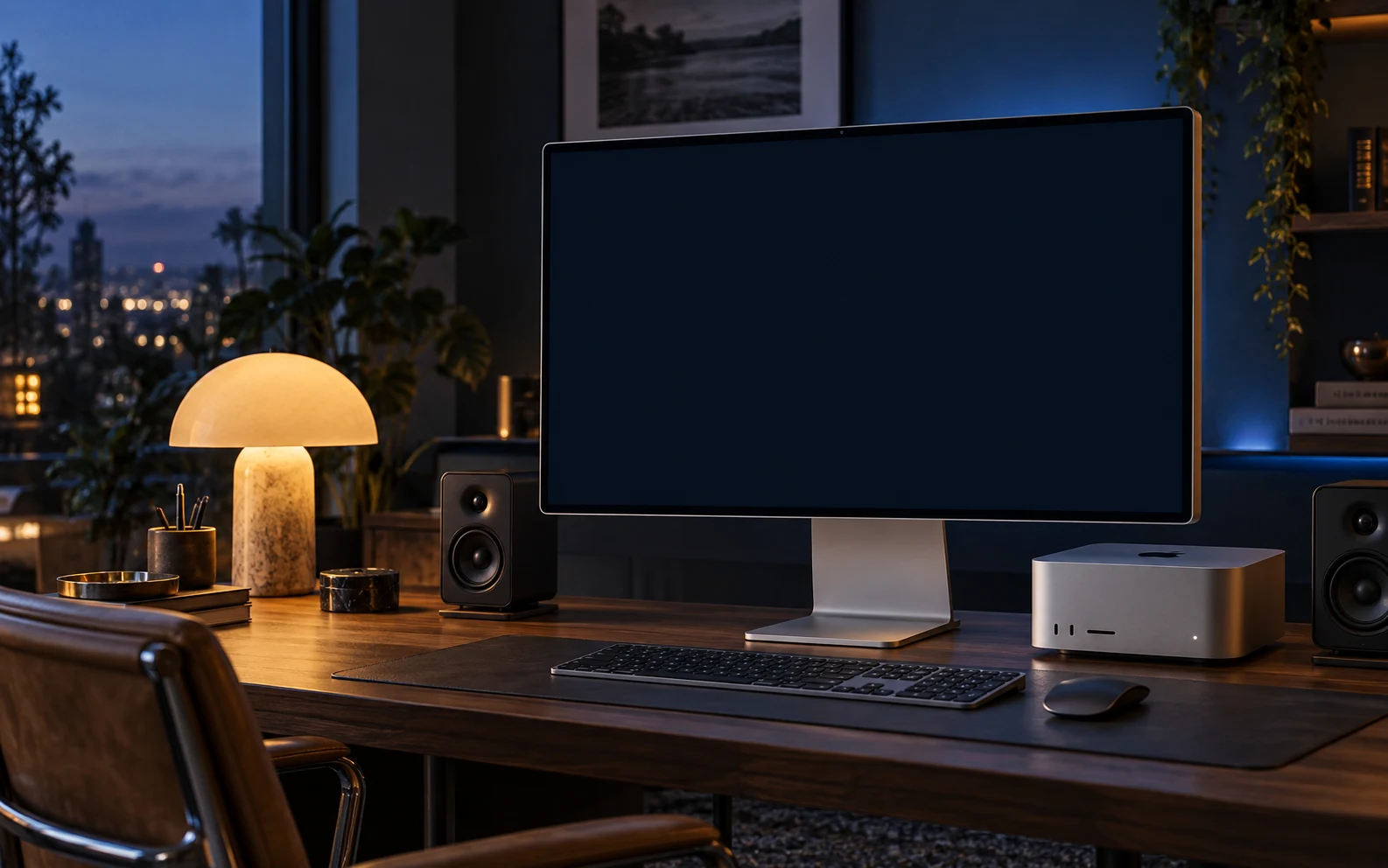
YOUR OWN MOVIES. YOUR VIEWING PREFERENCES.
Add your video files. CleanPlay finds profanity in subtitles or on-device speech recognition, and uses on-device AI to flag sensitive visual scenes. Review what it finds, choose your preferences, and watch with timed mutes and scene skips applied during playback.
CleanPlay builds precise mute windows around detected profanity. Audio Review lets you keep a word or fine-tune its timing.
Set your preferences for nudity, sexual content, violence, and frightening imagery. Review suggested scenes and adjust the boundaries.
Preparation, mute adjustments, and scene decisions stay with each title. Your next viewing uses those saved choices.

TOGETHER IS THE BEST SEAT.
Choose the language mutes and scene skips
that suit your family before the opening scene.
THOUGHTFULLY BUILT. DOWN TO THE DETAILS.
From choosing a film to fine-tuning a single moment, take a look inside CleanPlay.
Bring your own movie files into a visual library. Browse by poster, check which titles are prepared, and open a film with its saved audio and scene choices.
Bring shows, seasons, and episodes together. See what you have, pick up where you left off, and prepare a season ahead.
Keep related films together in a dedicated series view. Browse the collection and choose the order that suits your next rewatch.
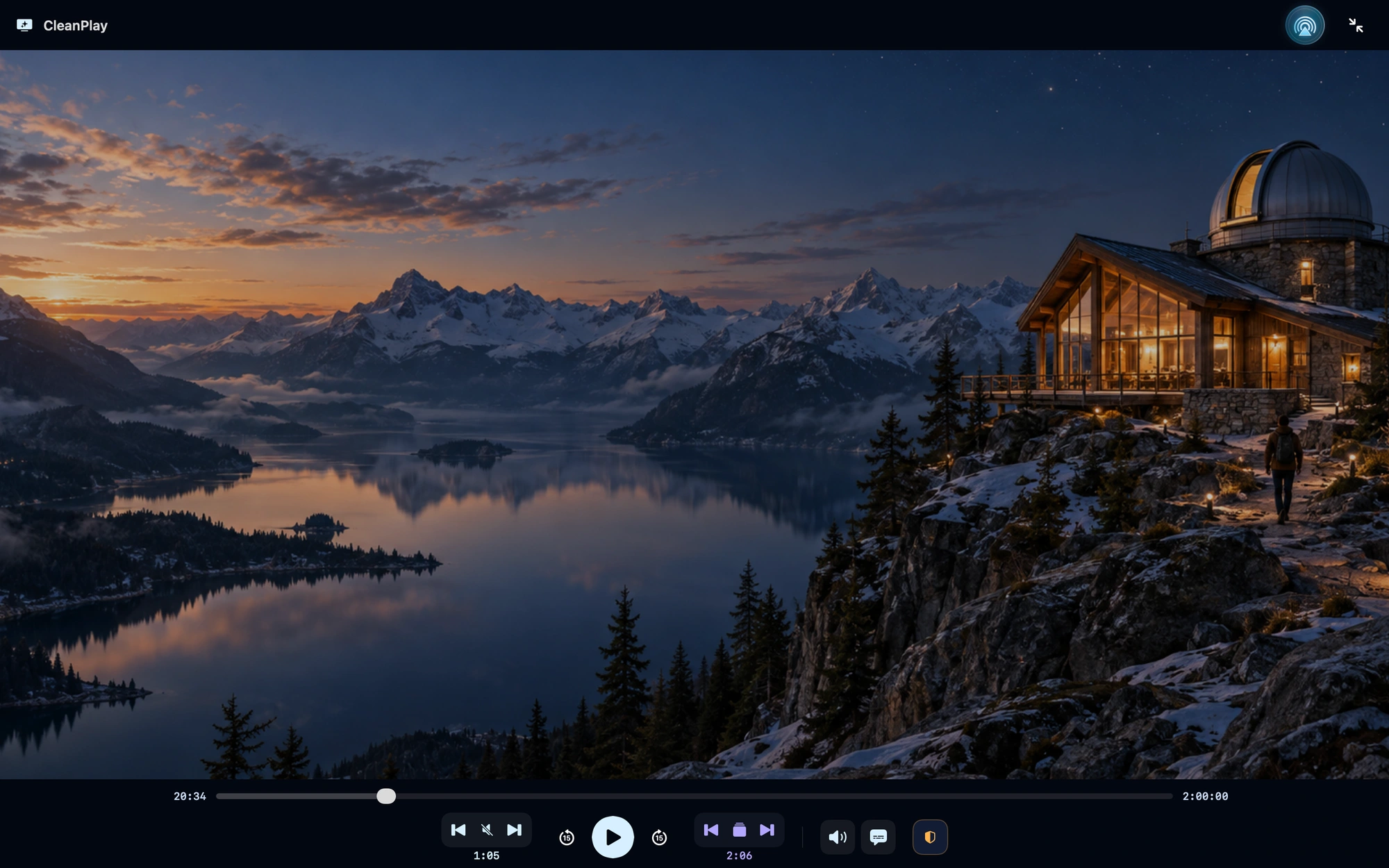
Watch in a focused, full-screen player while CleanPlay applies your saved profanity mutes and scene skips. Playback and filtering controls are there when you need them.
CleanPlay places timed mutes around detected profanity. Inspect each match against the audio waveform, listen in context, keep a word, or adjust exactly where its mute begins and ends.
See the scenes flagged by on-device AI and how your viewing profile handles them. Review moments in context, refine their start and end points, and choose which skips to use.
Actual CleanPlay interface. Movies and shows are shown for demonstration only and are not included with the software.
Features and appearance may change before release.
INTELLIGENCE, WITH A CLEAR VIEW.
Preparation builds the audio mutes and scene suggestions before you watch. Follow the current stage, AI workers, estimated time remaining, and your Mac’s resource use.
On-device models examine video frames and visual cuts for possible sexual, violent, or frightening content.
AI workers check candidate scenes in context, including brief shots and the moments around a possible skip.
CleanPlay turns the findings into timed scene suggestions. Your viewing profile sets the preferences; Scene Review lets you refine the skips.
AI can miss or misread a moment. Audio Review and Scene Review let you check and adjust its suggestions.

TAKE MOVIE NIGHT WITH YOU.
Prepare your local videos before you travel.
Bring your saved viewing choices along for the ride.


MAKE IT A BIG-SCREEN NIGHT.
We’re building CleanPlay’s AirPlay experience
for movie nights with Apple TV and supported receivers.
A FEW GOOD QUESTIONS.
CleanPlay is under development. Public release is expected in 2027. Join the release list below and we’ll email you when it’s available.
CleanPlay is being built for video files you already have, organized into movies, TV shows, and film series. Movies shown on this site are demonstrations and do not come with CleanPlay. A streaming subscription or access to a streaming service’s catalog is not included. We’ll publish supported formats and requirements closer to release.
Audio Review lets you keep individual words or adjust their mute timing. For visual content, viewing profiles offer five levels across 14 categories, covering sexual content, nudity, violence, blood and gore, and different kinds of frightening imagery. Scene Review lets you inspect the suggestions, adjust boundaries, and choose which scenes to skip.
CleanPlay will be a one-time purchase, with no subscription. Final pricing and Mac system requirements will be announced closer to release.

GOOD THINGS ARE IN THE MAKING.
CleanPlay is in development.
Public release is expected in 2027.